
Visual Cues That Help You Track Game State
When a slot screen is busy, the smallest visual details often carry the most useful information. This article looks at the cues that help you understand what changed, what is still active, and where to focus next. The goal is not to predict outcomes, but to make the game state easier to read while you play.
Explore ↗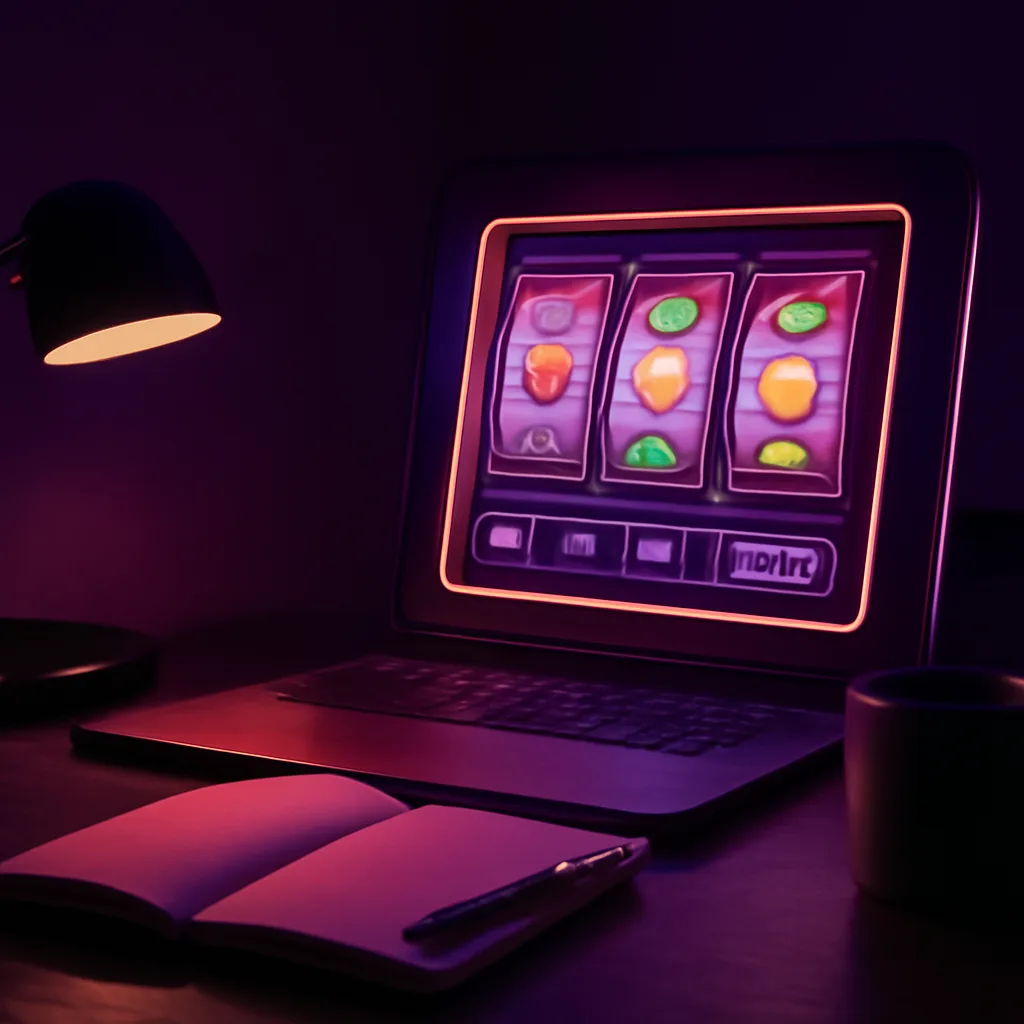
Start with the layout, not the reels
Before watching symbols, take a quick look at how the screen is arranged. Most interfaces place important state information in consistent areas, such as the payline display, balance area, bet controls, and feature indicators. Knowing where these elements live lets you notice changes instantly instead of searching for them after every spin.
A clear layout reduces mental load. If a game uses stacked panels, side meters, or compact icon clusters, the placement often hints at priority: what is constant, what updates after a spin, and what only appears during special features. Learning that structure first makes everything else easier to track.
- Check which areas stay fixed between spins.
- Notice where messages appear when a feature changes state.
- Look for repeated panel locations that signal important updates.
Read symbols as status markers
Symbols are not only part of the theme; they often act as visual status markers. A character symbol may be ordinary in one context and important in another if it appears with a glow, frame, or different color treatment. Wilds, scatters, and bonus icons usually have some visual distinction that helps you identify them quickly.
Pay attention to whether a symbol is static, animated, or highlighted after the reels stop. That post-spin moment can tell you what the game wants you to notice first. If a symbol flashes, enlarges, or pauses longer than the others, it often means it has a special role in the current state of play.
- Use color changes to spot special symbols faster.
- Watch for borders, halos, or pulsing effects.
- Notice when the game briefly isolates one symbol after a spin.
Use meters and counters as your progress map
Meters and counters are among the clearest tools for following game state because they turn hidden progress into visible feedback. Free-spin counters, collection meters, charge bars, or step markers show how close a feature is to changing. Even when the underlying math stays opaque, the display gives you a practical map of progress.
A good habit is to glance at counters before and after each spin. This helps you understand whether the game is building toward a feature, maintaining a current one, or resetting a track. Some displays are subtle, so watch for small number changes, added segments, or new icons filling in along a bar.
- Look for numeric counters that decrease or refill.
- Track segmented bars that fill one step at a time.
- Notice collection meters that change only when certain symbols land.
Let animations tell you what just happened
Animations are often the easiest way to interpret the result of a spin. Reel speed, symbol bounce, celebratory flashes, and sound-linked motion usually mark the difference between a normal outcome and one that affects the next state. A long pause or a chain of reveals can signal that a new feature, bonus, or re-trigger condition is being checked.
Treat animation as a timeline. The first movement shows the spin result, the second often shows whether a win or feature has been registered, and any extra motion may indicate a transition into a new mode. If the animation changes pace, that shift is worth noticing because it usually reflects a change in game state.
- Longer pauses often mean the game is evaluating something important.
- Repeated flashes may indicate a feature trigger.
- Fast-to-slow motion can signal a transition into a bonus sequence.
Build a simple habit for tracking changes
The easiest way to stay oriented is to create a repeatable scan pattern. After each spin, check the same few points in the same order: meter status, special symbol presence, balance movement, and any new message on screen. A short routine helps you notice patterns without overthinking each outcome.
If a game feels visually crowded, narrow your attention to one or two cue types at a time. For example, you might focus only on counters during one session and only on symbol highlights during another. This makes the interface easier to read and helps you separate decorative motion from state-changing signals.
For broader site guidance, related article topics can cover game pacing, routine-building, and feature interpretation. Inquiries about editorial coverage can focus on categories such as interface clarity, game-state reading, session organization, or whether a topic deserves a walkthrough-style explanation without adding extra jargon.
- Use the same post-spin checklist every time.
- Separate decorative animation from state-changing animation.
- Focus on one cue type at a time if the screen feels crowded.
Discover

How a Slot Session Usually Flows
A plain-language guide to the usual rhythm of starting, tracking, and ending a slot session with a calmer, more deliberate approach.

Reading Bonus Features Without the Jargon
A plain-language guide to common bonus symbols, triggers, and feature labels so you can scan a slot faster.
Building a Low-Pressure Routine Around Play
A practical routine for before and after play that keeps decisions deliberate, the mood steady, and the session easy to revisit.
A Lifestyle Lens for Choosing What to Play
Use mood, available time, and attention level to match a slot experience to the moment, without forcing the wrong kind of session.